
What is the Dashboard?
The Acai Dashboard is the shared, server-side view of the work your team is tracking with Acai.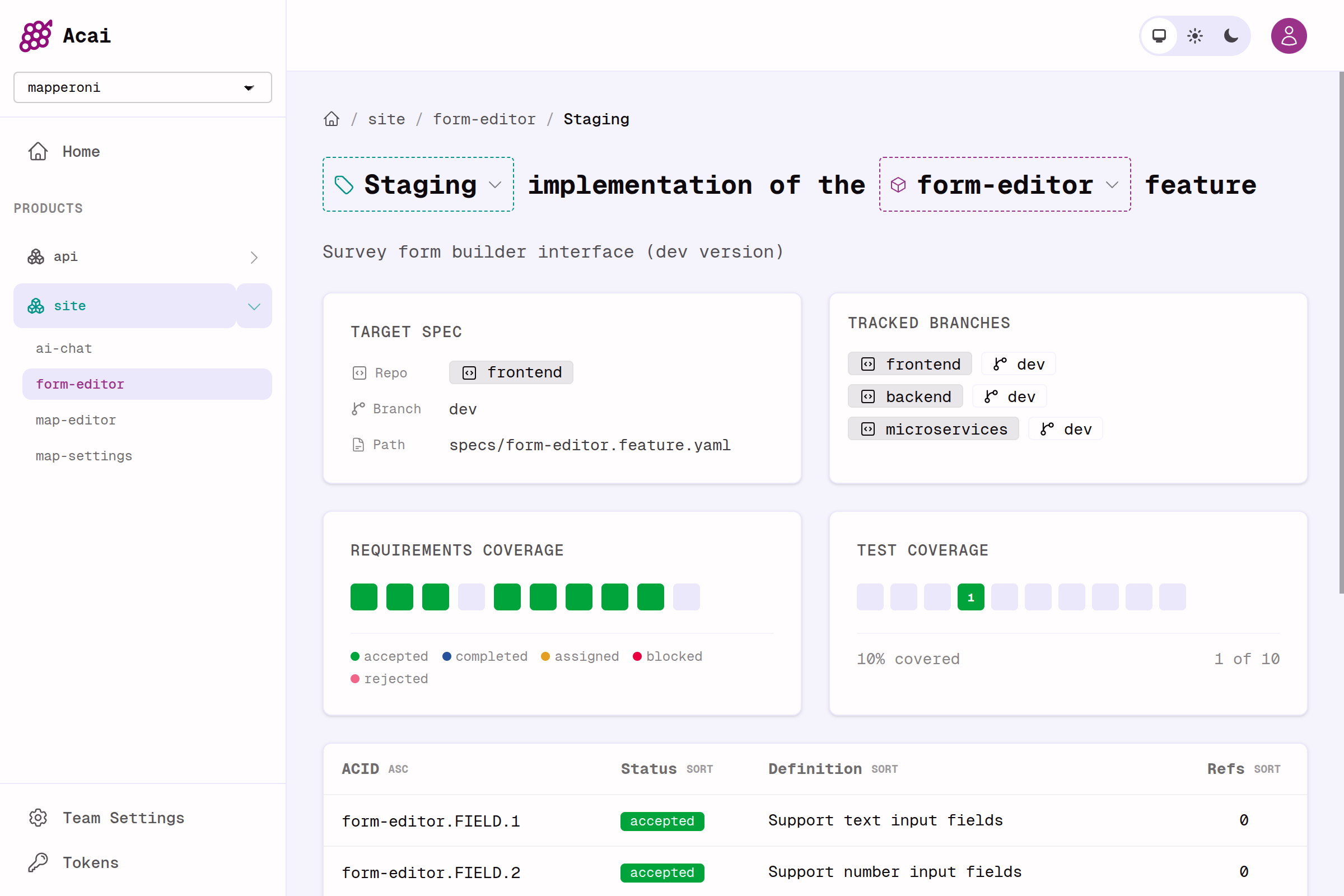
See implementation status at a glance. This screenshot shows progress on the Staging implementation of a feature called 'form-editor'.
- which products, features, and implementations exist
- how acceptance criteria are progressing
- where requirements are already referenced in code
- what needs attention next
Try It
The best way to understand the dashboard is to use it with your own project:- Log in to https://app.acai.sh.
- Create a team and an Access Token.
- Push a spec with the CLI.
Next Steps
Quickstart
Write your first spec, push it, and see it in the dashboard.
Spec-driven Development
Learn the ideas and workflow behind writing software from specs.